
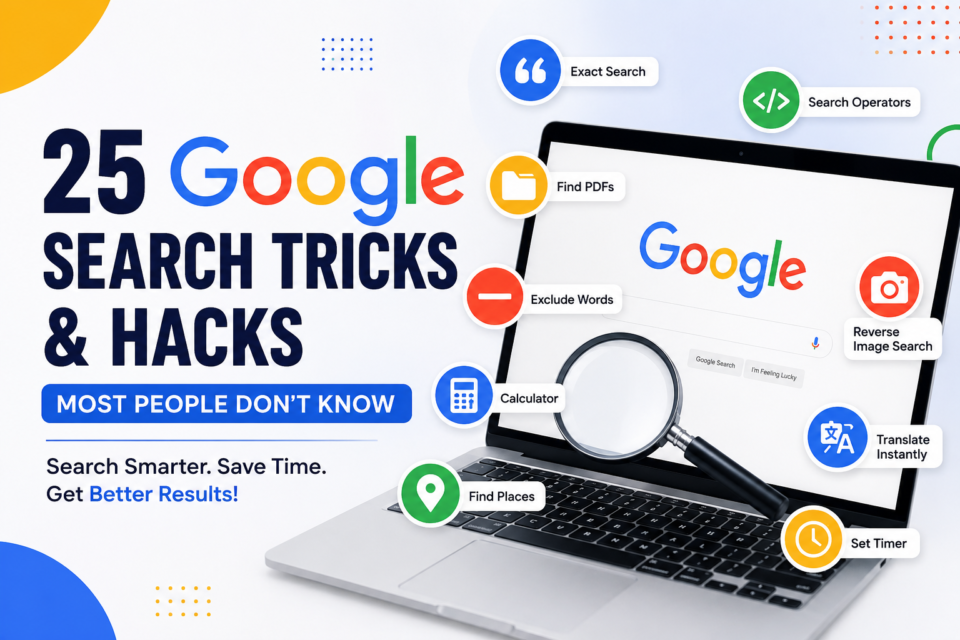
Google processes more than 8.5 billion searches every day, making it the most powerful search engine in the world. Yet, most people use only a fraction of its capabilities.
Whether you’re a student researching assignments, a business owner looking for market insights, a marketer conducting competitor analysis, or simply someone searching for answers online, mastering Google Search can save hours of time every week.
From finding exact information instantly to uncovering hidden features and secret search operators, these Google tricks can transform the way you use the internet.
Here are 25 Google Search hacks every internet user should know in 2026.
1. Search for an Exact Phrase
When searching for specific information, place quotation marks around your search query.
Example:
“best digital marketing agency in Mumbai”
Google will only show pages containing that exact phrase.
This is useful for:
- Finding exact quotes
- Locating specific articles
- Research purposes
2. Search Within a Specific Website
Want to search a particular website without using its internal search feature?
Use:
site.com startup funding
Google will display only pages from that website.
This trick is extremely useful for journalists, researchers, and content creators.
3. Exclude Unwanted Results
Add a minus sign before a word you want to exclude.
Example:
Apple -fruit
This helps Google understand you’re looking for Apple the company rather than the fruit.
4. Search for PDFs, PPTs, and Documents
Google can find specific file types.
Examples:
startup funding filetype
marketing strategy filetype
Useful for:
- Reports
- Research papers
- Presentations
- Industry studies
5. Reverse Image Search
Have an image but don’t know its source?
Upload it to Google Images.
Google can identify:
- Original source
- Similar images
- Products shown in images
- Fake or edited photos
6. Use Google as a Calculator
Type:
985*478
Google instantly provides the answer.
You can perform:
- Multiplication
- Division
- Percentage calculations
- Scientific calculations
7. Convert Currency Instantly
Example:
100 USD to INR
Google provides real-time conversion results.
Perfect for travelers and investors.
8. Convert Units
Examples:
10 km to miles
50 kg to pounds
No need to visit separate conversion websites.
9. Find Definitions Instantly
Type:
define
Google displays:
- Definition
- Pronunciation
- Usage examples
- Synonyms
10. Search Similar Websites
Use:
related.com
Example:
related.com
Google shows websites with similar content and audiences.
Great for discovering new resources.
11. Search a Range of Prices
Shopping online?
Use:
Laptop ₹40,000..₹70,000
Google displays products within that price range.
12. Find Recently Published Content
After searching, click Tools and choose:
- Past Hour
- Past 24 Hours
- Past Week
- Past Month
Perfect for finding fresh news and trends.
13. Track Flights Instantly
Search:
AI101
Google displays flight schedules, status, delays, and arrival information.
14. Check Live Sports Scores
Search any team or tournament.
Examples:
IPL Live Score
Premier League Standings
NBA Results
Google shows scores instantly.
15. Set a Timer
Search:
Set timer 15 minutes
Useful while studying or working.
16. Track Packages
Paste tracking numbers directly into Google.
Supported by major courier companies worldwide.
17. Use Wildcard Searches
Insert an asterisk (*).
Example:
largest * company in India
Google fills in the missing term.
Excellent for research.
18. Search News Faster
Add the word “news” to your search.
Example:
AI startup funding news
Google prioritizes recent news articles.
19. Discover Trending Topics
Google Trends helps users identify:
- Viral topics
- Trending searches
- Seasonal interests
- Regional search patterns
A must-have tool for marketers and publishers.
20. Find Local Businesses
Search:
best restaurants near me
Google displays:
- Reviews
- Maps
- Directions
- Contact details
21. Search by Location
Example:
coworking spaces Mumbai
Google prioritizes local results.
Helpful for business searches.
22. Find Public Statistics
Search:
India startup funding statistics
Google often displays key data directly in search results.
23. Search Social Media Profiles
Example:
Elon Musk LinkedIn
Useful for networking and professional research.
24. Search Multiple Keywords
Use OR.
Example:
startup OR entrepreneurship
Google displays pages containing either term.
25. Ask Complete Questions
Google’s AI-powered search works best with natural language.
Instead of:
best laptop
Try:
What is the best laptop for students under ₹60,000 in 2026?
Results are often far more relevant.

Desk
Verified JournalistDiscover the latest startup, business, and funding news. Get insights on trends, IPOs, mergers, and acquisitions. Perfect for entrepreneurs, investors.