
I’ve just released Media Picker for Immich on the WordPress.org plugin directory. It connects WordPress to a self-hosted Immich server so you can browse, search, and insert your photos and videos into posts without copying files around.
Immich
I run Immich at home. It’s where my photos now live. They’re organised, searchable, with facial recognition and AI search. My WordPress uploads directory is where photos used to go, and the two never talked to each other. This plugin fixes that.
How it works
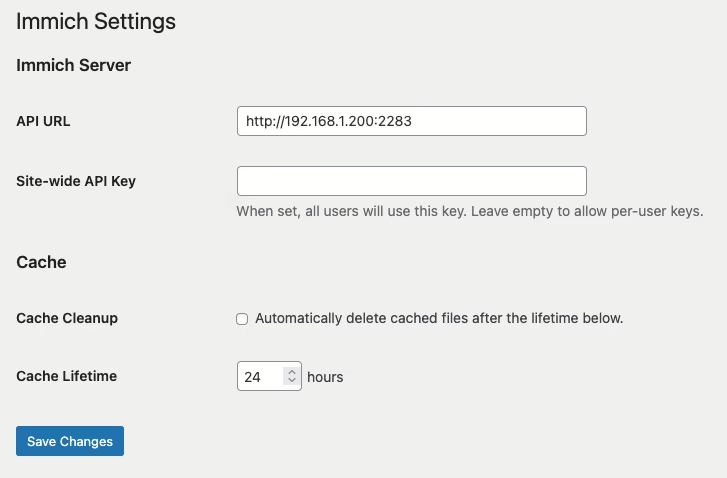
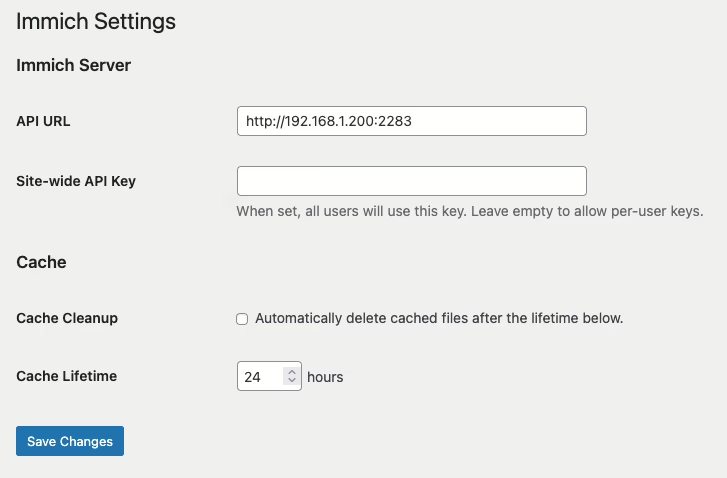
Point the plugin at your Immich server and give it an API key. You can set a site-wide key or let each user configure their own to connect to their own Immich account.
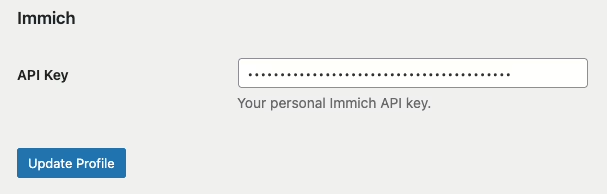
If the site-wide key is blank, each user adds their own key on their profile page. All Immich API calls happen server-side.
Two ways to add media
Once configured, an Immich tab appears in two places.
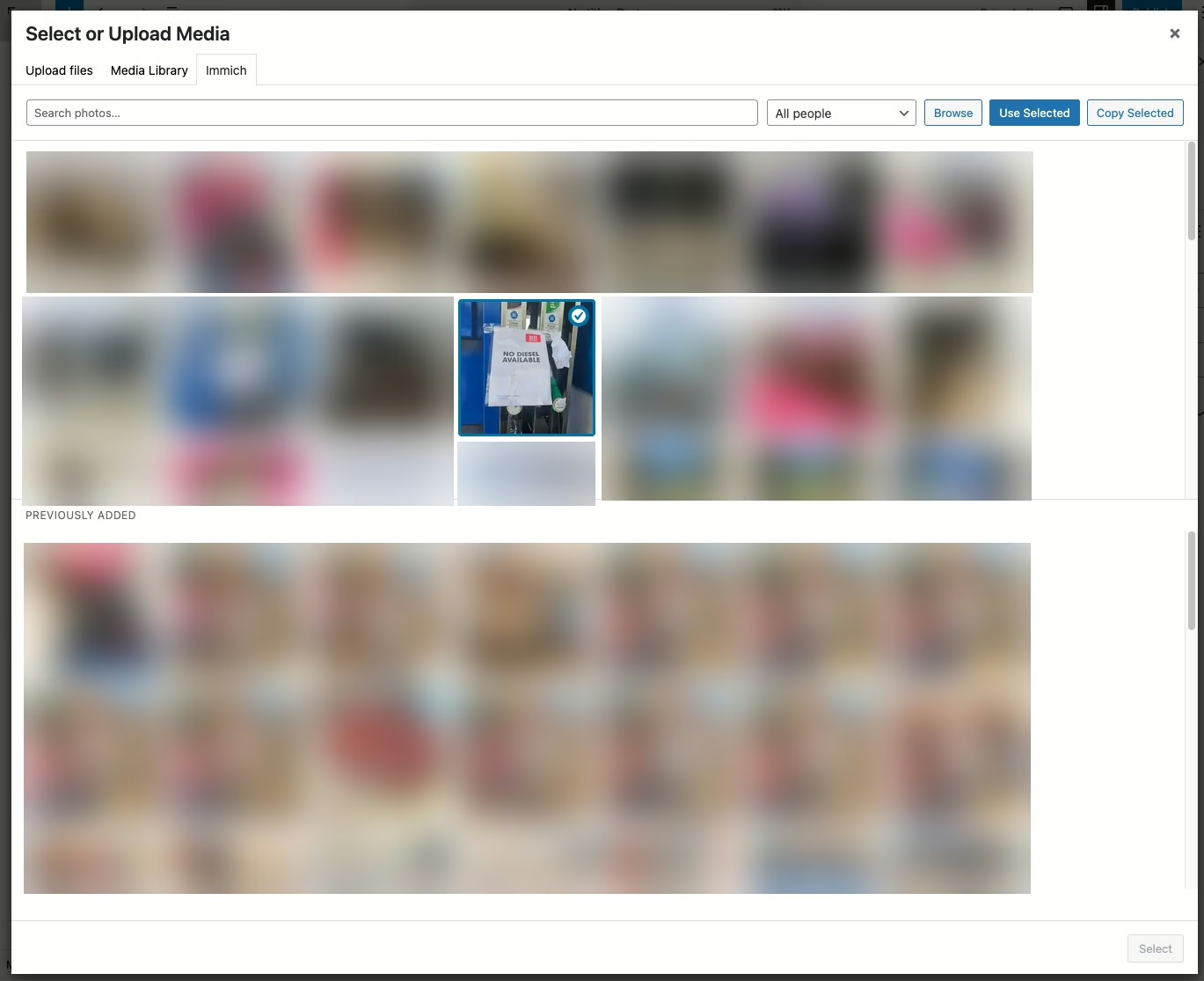
The first is the Media Library grid. Switch to the Immich view and you can search, filter by person, and either Use or Copy assets into WordPress.
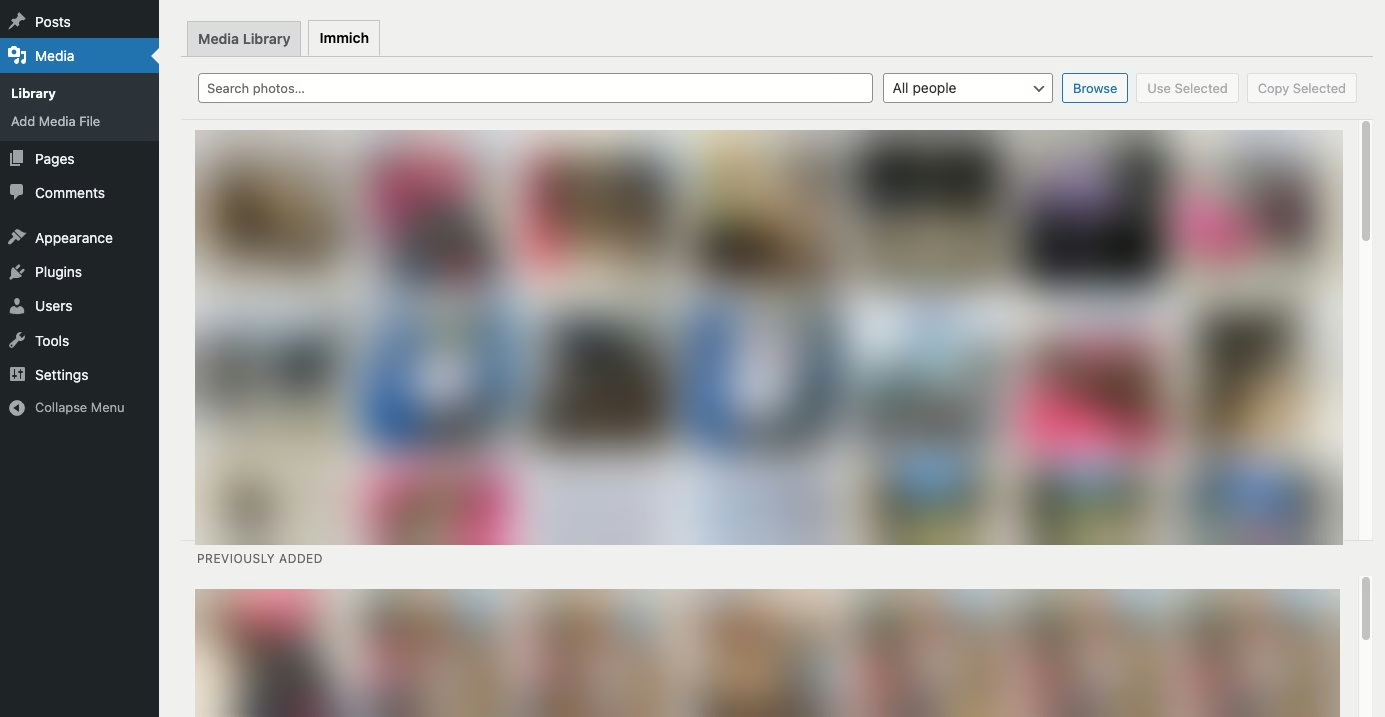
- Use creates a virtual attachment. Nothing is copied; WordPress proxies the media from Immich on demand and caches it locally on first request. Your uploads directory stays lean.
- Copy downloads the original file into wp-content/uploads/ as a normal attachment.
The same tab shows up in the “Select or Upload Media” dialog inside the post editor, so you can pull an Immich photo straight into a post without leaving the editor.
A few details worth mentioning
- Videos work too. Proxied videos stream with seek support.
- Lightbox. Proxied Immich images in posts open a full-resolution lightbox on click.
- Local cache. Proxied media is cached to wp-content/cache/immich/ after the first fetch. Optional cleanup with a configurable lifetime.
- Your server stays private. Immich only needs to be reachable from WordPress — not from the public internet. Visitors never connect to Immich directly.
- When images are copied over, virtually or otherwise, you can insert them into a post like any other image, which also includes adding them to galleries in posts.
Get it
Install it from the WordPress plugin directory or search for “media picker for Immich” in the plugins page in WordPress.
Feedback and bug reports are welcome. Development is done on GitHub here.
#Immich #WordPress #WordPressplugin